
Onboarding Tour
Three minutes is all it takes to know it all.
What does the onboarding process look like?
See how it works!
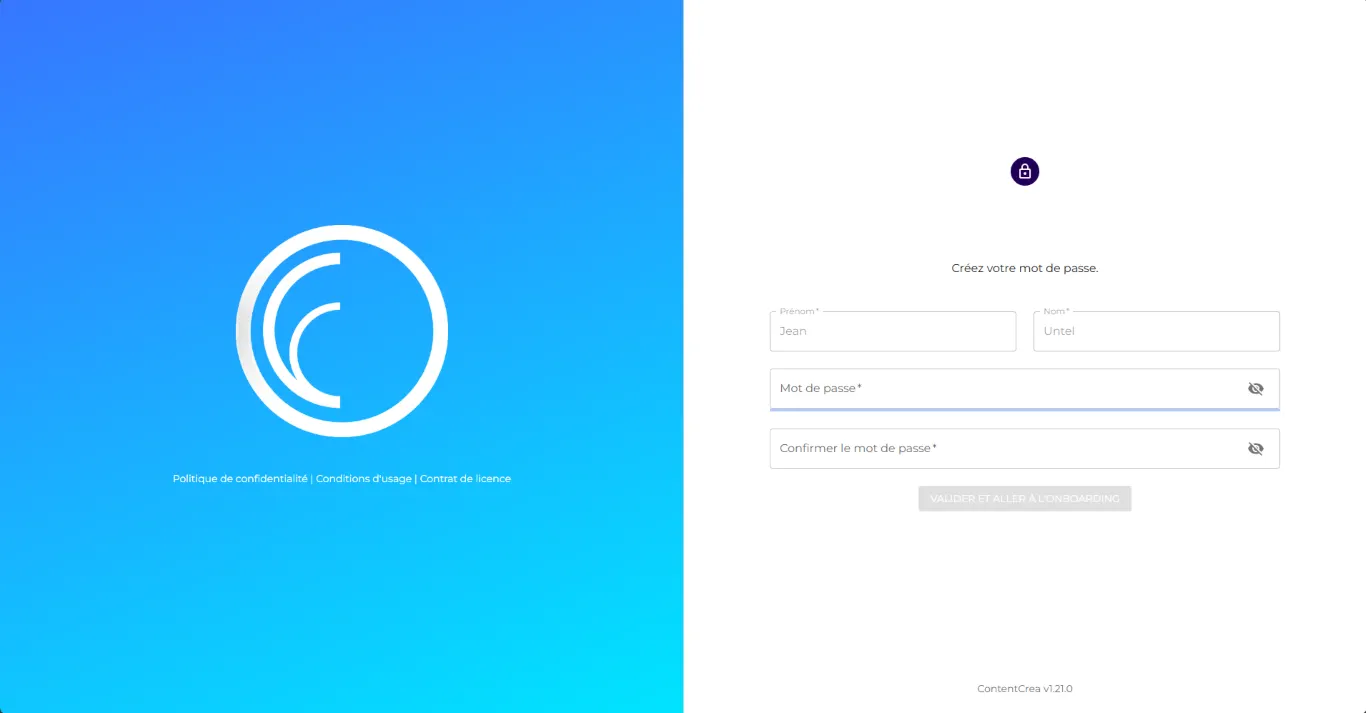
Create your password
First things first: create your password.
You’ll have 24 hours to do so after receiving the link.
You’ll have 24 hours to do so after receiving the link.
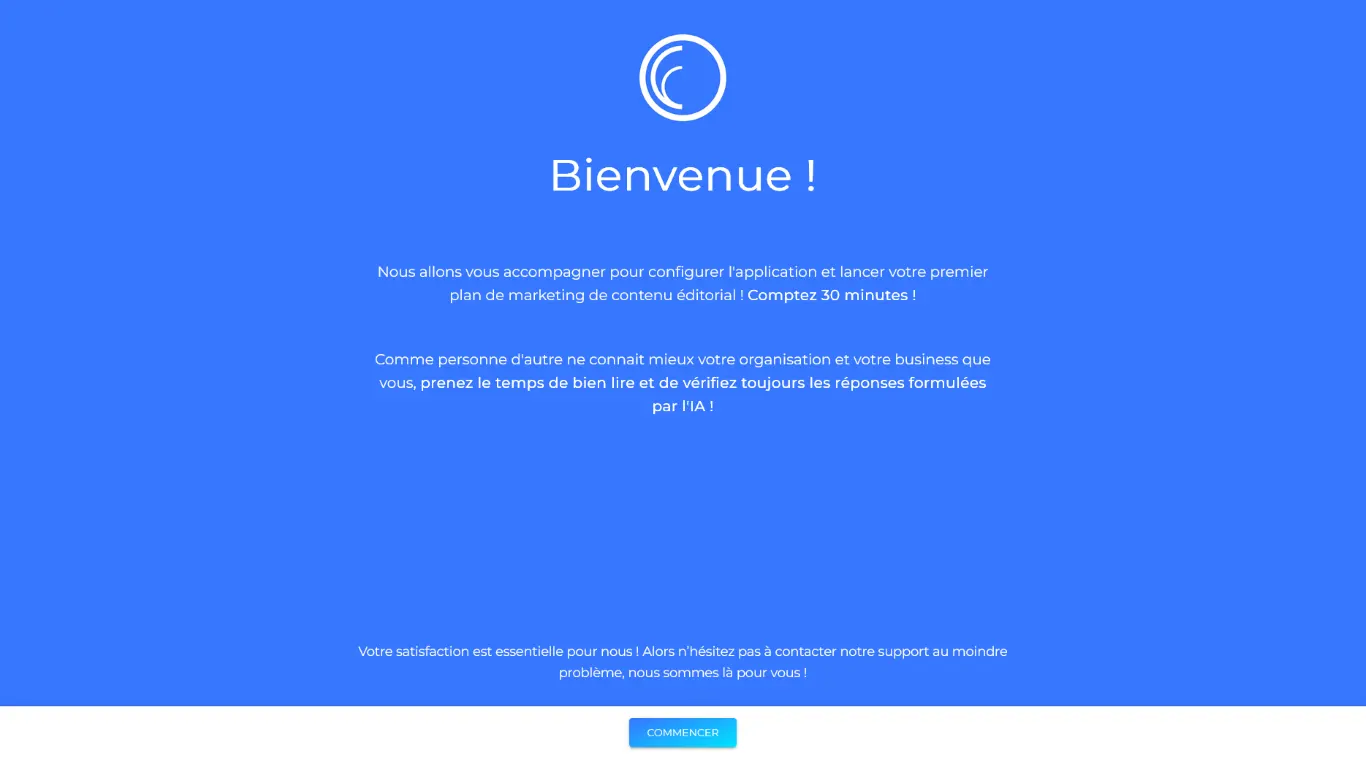
Welcome page
Take your time to read our welcome page and begin the setup process.
If you’re short on time, you can stop here and resume from the same point the next time you log in.
If you’re short on time, you can stop here and resume from the same point the next time you log in.

Organization's details
Our AI agent is generating your organization’s description and drafting its mission statement.
Please wait a moment.
Please wait a moment.

Organization's details
Your organization’s description and mission statement are ready.
Review them carefully and make any necessary adjustments to ensure they accurately represent your organization and its mission.
Then, complete the remaining required information.
Review them carefully and make any necessary adjustments to ensure they accurately represent your organization and its mission.
Then, complete the remaining required information.

Organization's personality
Our AI agent has analyzed your organization’s personality and drafted a description based on it. Feel free to make any necessary adjustments — or, if you’re unsure, simply trust our suggestion.

Organization's voice
Based on the information collected so far during onboarding, we suggest a type of editorial voice for your organization. Each voice is defined by three keywords, with a detailed description provided below them.
Choose the one that fits best — or, if you already know your voice, simply enter the three keywords manually.
Choose the one that fits best — or, if you already know your voice, simply enter the three keywords manually.

Organization's tones
Based on the information collected so far and the voice you selected, we suggest four tones that can complement it. Each tone comes with a detailed description below. We offer two sets of four tones — choose the one that fits best.
If you already know the tones you want to use, simply enter the keywords manually.
If you already know the tones you want to use, simply enter the keywords manually.

Organisation's writing rules
Based on the information collected so far, these are the writing rules best suited to your organization. Review them carefully and make any necessary adjustments — or simply trust our suggestion.
You also have an example of these rules applied in the text displayed beside them.
You also have an example of these rules applied in the text displayed beside them.

Personas
Based on the information gathered so far, we’ve generated four personas relevant to your business. You can view more details for each persona by clicking the “Read more” button. Select the ones that best match your targets, within your plan’s limits. Once onboarding is complete, you’ll be able to edit and refine them as needed.

Plan's creation
You’re about to create your first content marketing plan. Name it, set the start and end dates (minimum 3 months, maximum 12), and choose a weekly content frequency, one per week is a good start.
If your organization operates in multiple countries, select the target territory. Then, define the plan’s mission. Not sure how? We’ll suggest one at the end.
If your organization operates in multiple countries, select the target territory. Then, define the plan’s mission. Not sure how? We’ll suggest one at the end.

Theme(s)
Based on the information gathered so far, we’ve generated 20 general themes aligned with your business and your personas’ expectations. You can select up to three themes per plan — though starting with just one might be a good idea.

Themes' distribution
If you’ve selected more than one theme, you’ll need to define the relative weight of each within your plan.

Targeted persona
If you selected more than one persona during onboarding, choose the one targeted by this plan. If you selected only one, this step will be skipped automatically.

Theme's goal
Define a primary goal (e.g., lead generation, recruitment, brand awareness) and, optionally, a KPI to track progress. If you’ve selected multiple themes, you’ll go through this step for each of them.

Topics
Based on the information gathered so far, we’ve generated a set of topics for the theme you selected, using web search intents and data-driven insights. Hover over each chip to see the full topic that the platform will develop, and select the ones that interest you.

Content format
Select the content format for your theme. You can let ContentCrea decide for you, or manually choose the formats you prefer (article, guide, Q&A, etc.).
If your plan includes multiple themes, you’ll repeat this process for each one.
If your plan includes multiple themes, you’ll repeat this process for each one.

Plan's mission
Now that the plan creation process is complete, we suggest a mission based on the themes and topics you selected. You can choose to accept it, keep your own, or leave it blank if you haven’t written one.

Calendar creation
Congratulations!
The platform is now creating your first plan — please wait, as this process may take some time (up to 15 minutes for larger plans). It organizes topics by objectives and audience, assigns formats (article, Q&A, guide, etc.), sets content length (modifiable later), generates keywords, and builds the production schedule.
The platform is now creating your first plan — please wait, as this process may take some time (up to 15 minutes for larger plans). It organizes topics by objectives and audience, assigns formats (article, Q&A, guide, etc.), sets content length (modifiable later), generates keywords, and builds the production schedule.
Once the process is complete, you’ll be able to review and adjust everything.
After your collaborators join the platform, simply assign them to the content.

Invite your contributors
Invite your contributors and assign them a role: reader, author, editor, or strategist.
If you’re working alone, simply skip this step and confirm that all content will be assigned to you.